

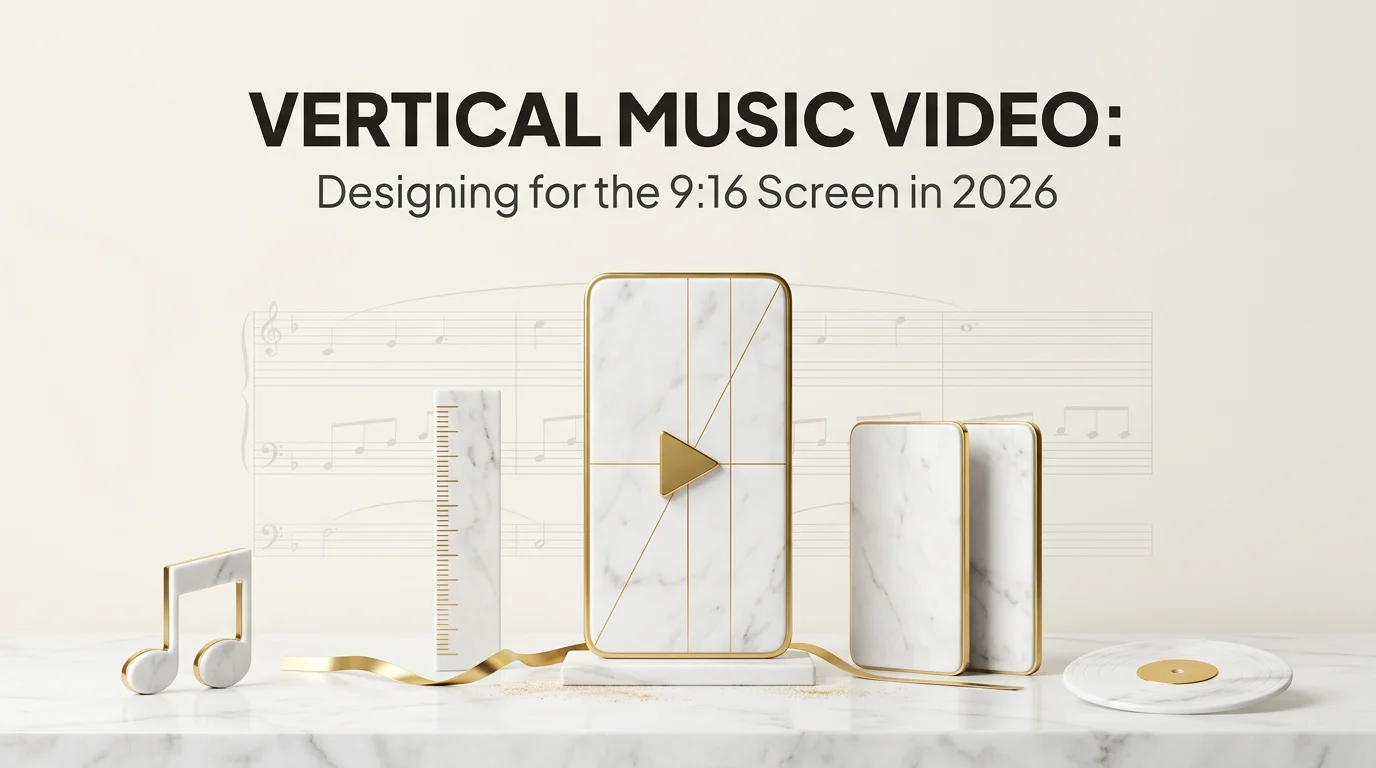
A vertical music video is a 9:16 ratio video built for the way music now reaches new listeners: TikTok, Instagram Reels, YouTube Shorts, and Spotify Canvas. The horizontal 16:9 music video is still required for the YouTube main page, but it is no longer the format that drives discovery. In 2026, the music videos that reach new audiences are vertical first.
A working definition: vertical music video means a 1080 by 1920 pixel video, 9:16 aspect ratio, oriented for phone-portrait viewing, with composition designed for that frame rather than cropped from a wider source. It runs the length of the song for the master and gets cut into shorter clips for short-form platforms. The rest of this guide covers why vertical now leads music discovery, what composition shifts when you build for vertical from the start, and how to produce one without filming horizontal first.
Key Takeaways
- Vertical music video means native 9:16 at 1080 by 1920, not a horizontal video cropped down. Cropping loses the edges and the platform algorithms appear to weight native vertical higher.
- Short-form distribution is now the music discovery channel. Spotify Canvas, TikTok, Reels, and YouTube Shorts all require or strongly prefer 9:16 vertical.
- Vertical composition has its own rules. Subjects sit centered or slightly off-center; tall objects benefit; horizontal pans become vertical reveals; safe zones at top and bottom matter because UI overlays them.
- One vertical master can feed multiple short-form platforms. A horizontal version derived later covers the YouTube main page.
- A vertical 9:16 first draft from your song lands in roughly 5 minutes using an AI music video generator that outputs native vertical.
Why Vertical Music Videos Took Over
The shift from horizontal to vertical for music is a distribution mechanics story, not an aesthetic preference.
Until roughly 2020, the dominant music video format was 16:9 horizontal because the dominant viewing surface was television and the YouTube main page. A music video lived on a desktop computer screen or a TV through a Chromecast. The horizontal frame matched the device.
Phone screens flipped the math. By 2022, the platforms driving new-listener discovery were TikTok, Reels, and Shorts, all vertical-first. Spotify launched Canvas in 2019 with a 9:16 spec. Apple Music expanded motion artwork support to dual ratios (1:1 and 3:4). By 2024 the trend was clear: a release without a vertical asset was leaving the discovery channels empty.
In 2026, the artists who are building catalogs are vertical-first by default. The horizontal 16:9 cut is now the derived asset, not the master.
What Changes When You Build a Music Video for Vertical From the Start
The frame is the most obvious shift. Less obvious are the composition consequences.
Subject framing. Vertical favors a single subject centered or slightly off-center. Group shots that work horizontally usually cramp vertically. If the song calls for an ensemble feel, vertical leans toward sequential framing (one subject at a time, cut to the next) rather than simultaneous framing.
Vertical motion over horizontal motion. A camera pan that works left-to-right on horizontal becomes a vertical reveal on 9:16. Tall elements (skyscrapers, falling rain, columns of light, characters seen full-body) read better than wide elements (horizons, landscapes, group lineups).
Foreground and background separation. Vertical's narrow width pushes you toward depth-based composition. Foreground subject sharp; background blurred or layered. This is the look that translates from cinema to short-form vertical cleanly.
Safe zones at top and bottom. TikTok, Reels, and Shorts all overlay UI elements on the bottom 200 pixels (caption, profile, music label) and the top 100 pixels (status bar, app navigation). Keep critical visual information in the middle band, roughly the central 1620 pixels of your 1920-pixel-tall frame.
On-screen text size. Text legible on a desktop screen is too small on a phone screen. Use larger text, fewer words per beat, and high-contrast colors against the underlying scene.
The Native-Vertical Production Path
Two routes to producing a native vertical music video.
Route 1: Film native vertical. Shoot with a vertical-oriented camera or a horizontal camera held vertically. Frame every shot for 9:16. Costs the same as horizontal production except for a learning curve on framing.
Route 2: Generate native vertical with an AI music video tool. Upload your finished song. Write a creative direction. The engine produces vertical 9:16 from the start. Roughly 5 minutes from audio upload to first draft.
For an indie artist working alone or with a small team, Route 2 is faster and cheaper. The music video in 5 minutes walkthrough covers the engine flow end to end. The guide on AI music video generation from audio covers the audio-to-video step specifically.
For artists who want film-quality vertical work and have the budget for a shoot, Route 1 still produces the highest-quality result. Most indie releases in 2026 mix both: AI-generated vertical for the master video and short-form distribution, with a smaller number of filmed clips for a specific creative moment.
Vertical Music Video Specs by Distribution Channel
Native 9:16 master at 1080 by 1920 covers most channels. The platform-specific notes:
- TikTok. 9:16, 1080 by 1920. Length 15 to 60 seconds for music cuts works best. Hook in the first 3 seconds.
- Instagram Reels. 9:16, 1080 by 1920. Length up to 90 seconds. Same 3-second hook rule.
- YouTube Shorts. 9:16, 1080 by 1920. Length up to 60 seconds. Same hook rule. Link in description to long-form.
- Spotify Canvas. 9:16, 1080 by 1920. 3 to 8 seconds, looping seamlessly. Pick a loop-able segment of your master video.
- Apple Music Motion Artwork. Dual: 1:1 (1080 by 1080) and 3:4 (1080 by 1440). Center-crop or reframe sections of your vertical master.
- YouTube main video page. 16:9, 1920 by 1080. Produce a separate horizontal edit, or build a 16:9 frame with branded elements around the vertical center.
The Instagram Reels music video guide covers the full ratio table including legacy formats.
Composing for Vertical: A Working Checklist
The composition rules that hold up for vertical music video work:
- Subject centered in the middle 1620 pixels. Avoid the top 100 and bottom 200 for critical visuals.
- Single dominant subject. Group shots split focus and read crowded.
- Tall objects, not wide ones. Skyscrapers, columns, characters seen full-body, falling motion.
- Foreground sharp, background blurred or layered. Depth replaces horizontal width.
- Vertical camera moves: pans become reveals. Tilt up, push in, fall down through layers.
- Bigger text than horizontal needs. Phone screens are small.
- Hook in the first 3 seconds. Same rule across every short-form platform.
- Visual motion at moments that match the song's beats. Beat-aligned cuts feel native to music video; arbitrary cuts feel like a slideshow.
The prompt writing guide for AI music video generation covers the prompt language for steering vertical-friendly composition.
Common Vertical Music Video Mistakes
Filming horizontal first and cropping. The crop loses edges and the algorithm appears to weight native vertical higher. Always start vertical.
Treating vertical as horizontal turned sideways. It is not. Vertical needs its own composition logic. A horizontal-thinking shot rotated 90 degrees usually fails.
Putting all the visual interest at the edges. Especially at the top and bottom where UI overlays can obscure it. Center the load-bearing content.
Forgetting about the loop for Spotify Canvas. Canvas needs a 3 to 8 second segment that loops seamlessly. Not every part of a music video loops. Plan one segment that does.
Character drift across vertical scenes. Vertical's tight framing makes character details (face, outfit, accessories) very visible. Drift between scenes shows up faster than in horizontal. The character consistency guide covers the locking pattern.
Workflow for Producing a Release-Ready Vertical Music Video
The full release workflow:
- Generate the master vertical 9:16 video from the finished song. Roughly 5 minutes with an AI engine.
- Review and iterate any scenes that drifted. Lock the master.
- Slice the master into short-form cuts. 6 to 12 cuts at 15 to 60 seconds each.
- Extract a Spotify Canvas loop. 3 to 8 second segment that loops.
- Extract Apple Music Motion Artwork. 1:1 and 3:4 reframes from the vertical master.
- Produce the YouTube main page 16:9 version. Either re-generate horizontally or build a 16:9 framed version around the vertical center.
- Distribute the audio. WAV to your distributor.
- Schedule the visual rollout. Canvas at distribution; short-form cuts across the release week; YouTube main video at release.
One song. One master vertical video. Six distribution-ready assets across every relevant channel.
FAQ
Frequently Asked Questions
5 questions answered. Tap to expand.
What is a vertical music video?
What is a vertical music video?
A vertical music video is a music video produced in 9:16 portrait aspect ratio (1080 by 1920 pixels), oriented for phone screens rather than wide desktop or TV screens. It is composed for the vertical frame from the start, not cropped from a horizontal source. In 2026 this is the dominant format for music release because of short-form distribution channels.
What is the aspect ratio for a vertical music video?
What is the aspect ratio for a vertical music video?
9:16, with pixel dimensions of 1080 wide by 1920 tall. This matches TikTok, Instagram Reels, YouTube Shorts, and Spotify Canvas exactly. Some channels accept up to 1440 by 2560 or 2160 by 3840, but 1080 by 1920 is the universal safe spec.
Can I make a vertical music video without filming anything?
Can I make a vertical music video without filming anything?
Yes. AI music video generators take your finished song as input and produce native vertical 9:16 video from a creative direction prompt. Roughly 5 minutes from upload to first draft. The output is ready to use directly for short-form distribution or to slice further for individual platform cuts.
How long should a vertical music video be?
How long should a vertical music video be?
The master video typically runs the length of the song (2 to 4 minutes). Short-form cuts derived from the master run 15 to 60 seconds depending on platform. Spotify Canvas is 3 to 8 seconds. There is no single right length; build the master to the song and cut down per platform.
Is a vertical music video worse quality than a horizontal one?
Is a vertical music video worse quality than a horizontal one?
Quality depends on the production, not the aspect ratio. A well-composed vertical video at 1080 by 1920 has the same per-pixel quality as a well-composed horizontal video at 1920 by 1080. What changes is the composition logic, not the technical quality.
The Read on Vertical Music Videos in 2026
Vertical is the default for music release in 2026. The discovery channels are vertical, the streaming services support vertical (Spotify Canvas), and even the platforms that started horizontal (YouTube) have committed to vertical surfaces (Shorts) as the place new audiences land. The artists who are building catalogs are producing vertical first and deriving horizontal as a secondary asset.
If you have a finished song and want the vertical master to come together fast, Echonos Engine produces a native 9:16 first draft from your audio in roughly 5 minutes, ready to slice into the platform-specific cuts a release needs.
Keep reading
Related Articles

Music Video in 5 Minutes: An Echonos Engine Walkthrough From Idea to First Draft
How to make an AI music video step by step using Echonos Engine: upload your song, write a creative brief, and get a vertical 9:16 first draft in roughly 5 minutes.

AI Music Video Generator from Audio: How Echonos Engine Builds Beat Synced Videos in 2026
An AI music video generator from audio file takes your song and produces beat-synced video. Here is how Echonos Engine works and how to get a strong first generation.
How to Write Creative Direction Prompts for AI Music Video Generation: The Complete 2026 Guide
A working guide to writing creative direction prompts for AI music videos in Echonos Engine. Real examples, the 4 layer prompt anatomy, genre templates, and how to iterate.

Written by
Echonos Team
We build Echonos — an AI music video pipeline for indie artists, managers, and small labels. We write here about how we think about audio, visuals, and release workflow.