

Writing a music video treatment that works for AI generation takes about twenty minutes and produces a document you'll actually use: a concept sentence, a short look description, pacing notes tied to the song, character direction, and a rough scene list. The output isn't a pitch deck. It's a working plan you can read from top to bottom while writing prompts.
How to write a music video treatment for a traditionally shot video and how to write one meant to feed an AI generator differ in one important way: the second version needs to translate cleanly into prompt language, because that's the very next step. A treatment full of camera terminology (dolly moves, lens choices, lighting setups) is wasted detail if the tool that generates the video doesn't take camera instructions the same way a cinematographer would. This guide covers the version built for that handoff.
Key takeaways:
- A treatment for AI generation needs five fields: concept, look, pacing, character direction, and a scene list, each short enough to write in one sitting.
- The concept sentence is the single most load-bearing line in the whole document; everything else supports it.
- Scene descriptions should describe what's on screen, not camera mechanics, since that's the language a prompt-based generator responds to.
- The most common mistake is skipping straight to prompts without writing the concept down first, which produces technically fine scenes that don't add up to a video.
- The treatment maps directly to Smart Prompt's AUTO routing, giving each scene a clear intent to route to image or video.
What a treatment needs to communicate
Before writing anything, get clear on what the document has to do. It needs to answer, for anyone reading it including your future self three scenes into generation: what is this video about, what does it look like, where does the energy rise and fall, who's on screen and how are they styled, and roughly how many distinct scenes does it take to tell the idea.
That's the whole job. A treatment that answers those five questions in a page or less has done everything a heavier, twelve-page pitch document would do for a traditional shoot, minus the parts that existed only to win a director's job.
Structuring concept, look, and beats
Step 1: Write the concept as one sentence. Not a paragraph, one sentence. "The artist performs the same chorus in three different decades of their own life" is a concept. "A performance video with some flashback elements" is not, it's a vague direction that could become five different videos. If you can't compress the idea to one sentence, the idea isn't decided yet, and that's worth knowing before generating anything.
Step 2: Describe the look in concrete terms. Skip abstract words like "moody" or "cinematic" on their own, they mean something different to everyone. Pair them with something specific: color palette (desaturated blues and grays, or warm amber and film grain), a reference (the color language of a specific era of film or photography), and texture (clean and digital versus grainy and analog). Three to five descriptive phrases is usually enough.
Step 3: Map pacing to the song's own structure. List the song's sections (intro, verse, chorus, bridge) and note, for each one, whether the visual energy should hold steady, build, or reset. A sparse intro often wants long, held shots. A chorus that stacks instrumentation usually wants faster cutting or more visual movement. This step is what keeps the eventual video from feeling like it was cut to a generic rhythm instead of this specific song.
Writing scene descriptions that generate well
Step 4: Write four to eight scene descriptions, each one sentence. Describe what's visible, not how a camera would capture it. "The artist stands alone in an empty parking garage at night, headlights sweeping past behind them" tells a generator what should appear on screen. "Slow dolly-in on a medium close-up, key light from camera left" describes a shooting plan a camera crew would use, and it's the wrong register for a prompt-based tool, which responds better to described content than to cinematography jargon.
Step 5: Note character direction once, not per scene. Write a short, consistent description of who appears on screen and how they're styled (appearance, wardrobe, signature details), and reuse that same description's spirit across every scene rather than re-describing the character from scratch each time. This is the treatment-level version of the technical problem character consistency in AI music videos covers in depth: the same identity has to hold across every scene, and that starts with how the treatment describes the character in the first place.
Mapping the treatment to Smart Prompt direction
Once the five fields are written, the handoff into Echonos's Smart Prompt is mostly direct. The concept sentence and look description become the anchor language repeated (in spirit, not word for word) across every scene prompt, so the generator has consistent context for what world this video lives in. Each scene description from the scene list becomes its own prompt, since Smart Prompt's AUTO toggle routes each individual prompt to image or video generation based on the intent in that specific prompt, not the treatment as a whole. A scene meant to be a short, dynamic moment routes differently than a scene meant to be a single striking still image used as a Release Package asset. Turning AUTO off on any prompt forces a specific output type if the automatic routing doesn't match what that scene needs.
Pacing notes from step 3 inform which scenes get generated as video (for sections with more visual movement) versus which might work better as a single strong still. Character direction from step 5 feeds directly into setting up a Character in Echonos Vault before generating any scenes, so the same on-screen identity is available to every prompt in the list rather than typed fresh each time.
A fill-in-the-blanks treatment outline
Concept: [one sentence: who, what happens, what changes by the end]
Look: [three to five phrases: palette, texture, reference]
Pacing: intro = [hold / build / reset], verse = [hold / build / reset], chorus = [hold / build / reset], bridge = [hold / build / reset]
Character: [appearance, styling, signature details, in one to two sentences]
Scenes: 1) [one sentence] 2) [one sentence] 3) [one sentence] 4) [one sentence], continuing to however many the concept actually needs
That's the entire template. Filling it in top to bottom takes most artists under half an hour, and the output is something you can hand to Smart Prompt scene by scene rather than something you have to keep re-deriving mid-generation.
A worked example
To see the process end to end, take a mid-tempo song about a long-distance relationship. Step 1, the concept: "Two people occupy the same rooms at different times, never quite missing each other, until the final chorus puts them in the same frame." Step 2, the look: warm interior lighting, soft focus on empty spaces, a recurring visual motif of doorways and thresholds. Step 3, pacing: intro holds on empty rooms, verses alternate between the two people's routines, the pre-chorus quickens as the routines start to overlap, the final chorus resolves with both in frame together. Step 4, scenes: six total, three establishing each person's routine separately, two showing near-misses, one resolving scene where they finally appear together. Step 5, character: two consistent identities, described once each, reused across every scene they appear in.
That's the whole treatment, and it took the same five steps as any other. Handed to Smart Prompt scene by scene, each of the six scene descriptions becomes its own prompt, with the concept and look sections providing the consistent context that keeps all six from feeling like six unrelated generations.
Mistakes to avoid
The most common mistake is skipping the concept sentence and going straight to scene descriptions. Without it, individual scenes can each look fine and still not add up to a coherent video, because nothing was tying them together in the first place. The second mistake is writing scene descriptions in camera-crew language instead of describing what's actually visible on screen; a prompt-based generator works from described content, not shooting instructions. The third mistake is over-specifying: trying to lock every visual detail in the treatment before seeing a single generated scene. A treatment is a starting direction, not a final contract, and the scene list should be expected to shift once early generations show what's actually working.
Revising the treatment mid-generation
Even a well-written treatment usually needs at least one revision once real scenes exist. The most common revision is trimming the scene list: a treatment written on paper before seeing any generated output sometimes calls for more scenes than the concept actually needs once it's visible on screen, and cutting a redundant scene is normal rather than a sign the original plan was wrong. The second most common revision is tightening the look description, since seeing a first generated scene often reveals that a vague descriptor ("moody") needs a more specific pairing (a color, a texture, a reference) to generate consistently across the remaining scenes.
Treat the treatment as a living document through the first full pass of generation, not a document that's finished the moment it's written. Updating it as scenes come back is part of the process, not a departure from it.
Echonos integration
The treatment described above isn't a separate document that lives outside Echonos, it's the input that makes Smart Prompt's output predictable instead of a guess. Once the treatment is written, the AI music video prompt guide covers the actual language patterns that turn each scene description into a prompt that generates consistently, and what makes a good music video covers why the concept-first approach in step 1 matters more than any other single decision in the whole process.
If you're setting up a character to carry across every scene in the treatment, that character lives in Echonos Vault as a saved asset rather than something re-typed into every prompt, which is what keeps the "character direction, written once" principle in step 5 actually holding across a full video instead of drifting scene by scene.
Keep reading
Related Articles
What Makes a Good Music Video: The Elements That Actually Hold Attention
What makes a good music video comes down to five repeatable elements: concept, visual consistency, beat-locked pacing, palette, and hook framing.
What Is a Music Video Treatment, and Do You Still Need One in 2026
A music video treatment is the short written plan behind a video. See what goes in one, a free template, a worked example, and how it maps to AI.
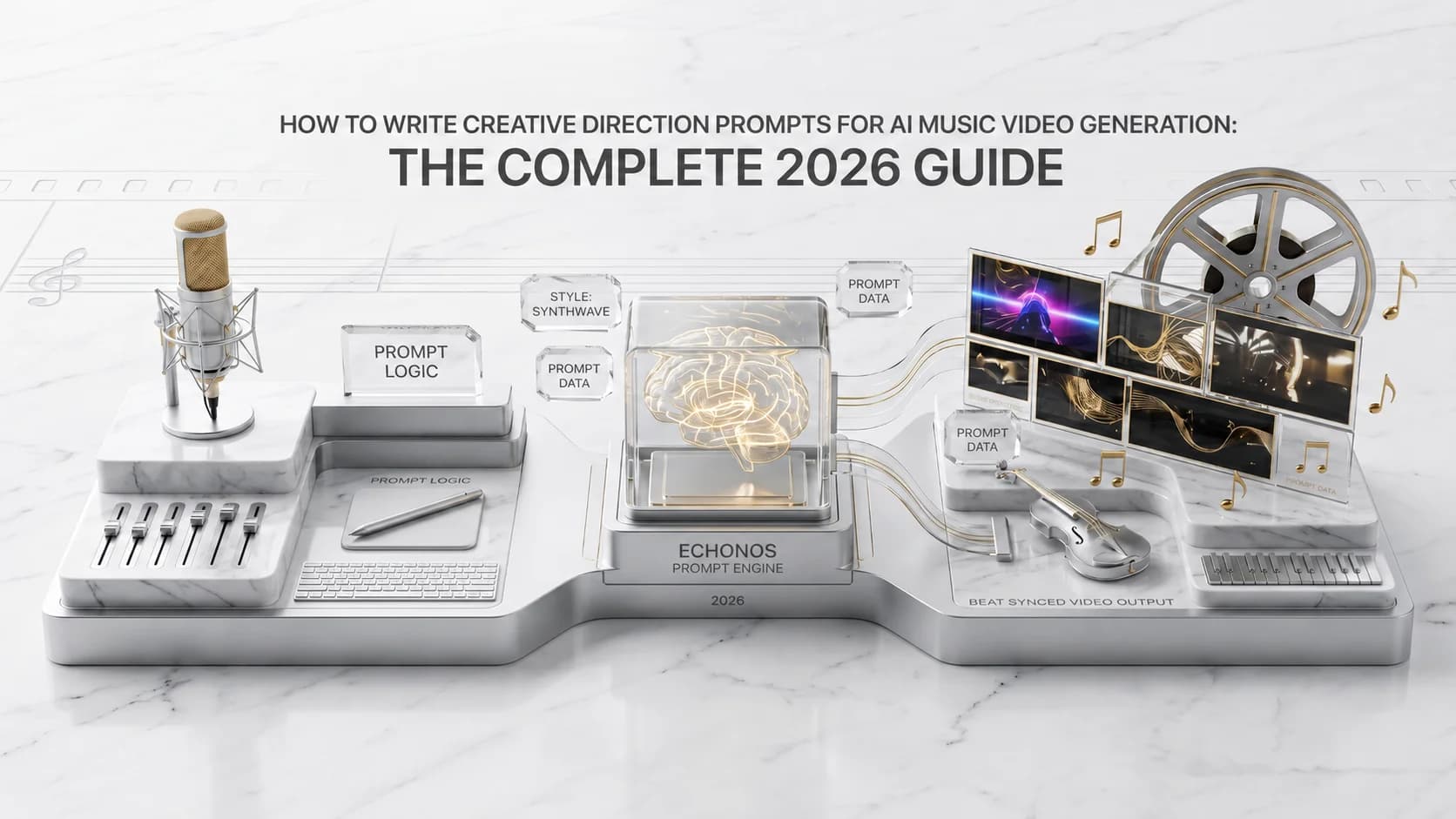
How to Write Creative Direction Prompts for AI Music Video Generation: The Complete 2026 Guide
How to write AI music video prompts in 2026: the 4-layer director brief, copy-paste genre templates, and how to control style, lighting, and motion.

Written by
Hari DevanathanLead Backend Engineer
Ex-Microsoft and Senior AI/Cloud Engineer at Leidos, building NLP, OCR, vector search, and LLM pipelines that generated ~$20M annually. Owns Echonos' audio intelligence and black-box generation pipeline, including audio analysis, beat detection, and GCP infrastructure.