

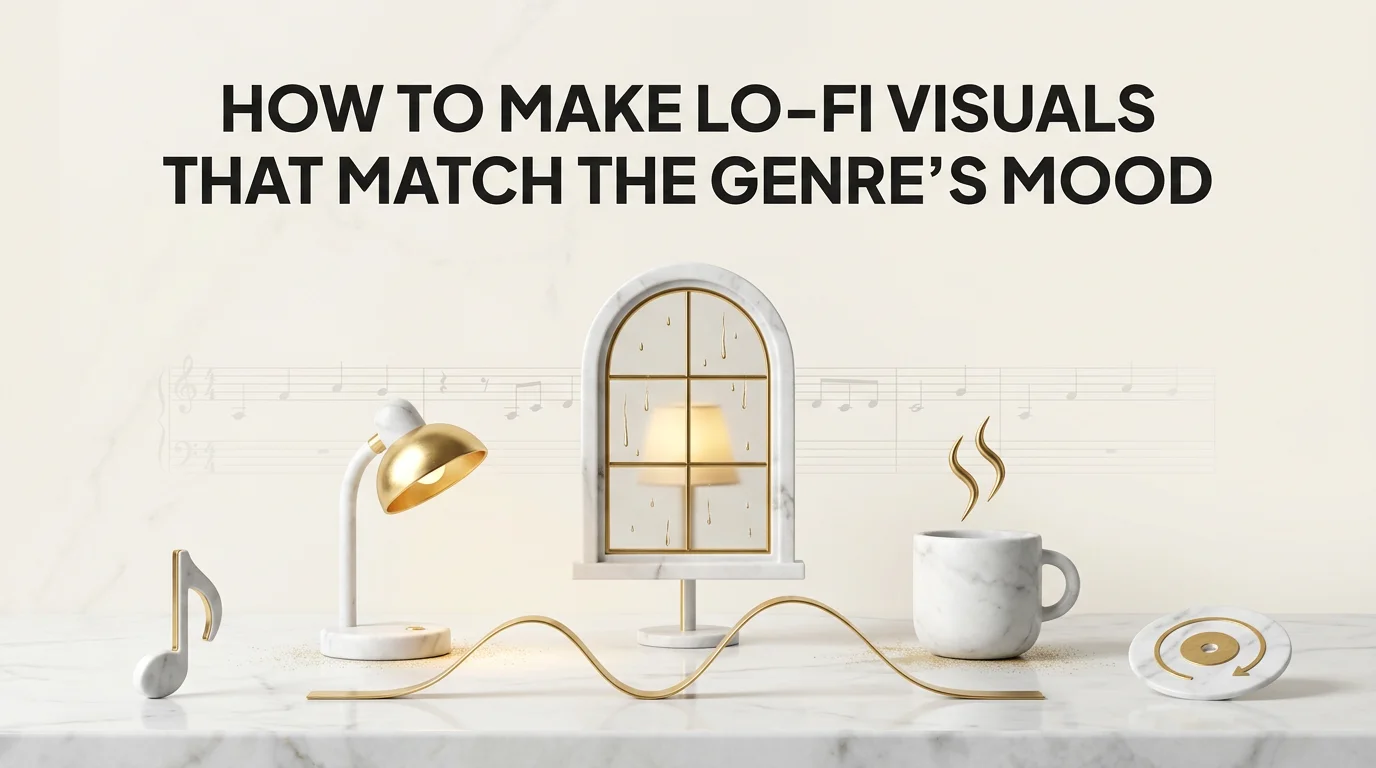
Lo-fi visuals are the calm, loopable video companions that go with lo-fi hip-hop and study-beat tracks: usually a still or slow-moving scene (a room, a window, a character studying or relaxing) that plays behind the music without competing for attention. The genre's whole appeal is background listening, so the visual has to match that job rather than fight it.
The common mistake is treating a lo-fi visual like a regular music video: fast cuts, high-energy motion, a visual style built for a chorus drop that lo-fi tracks rarely have. It looks jarring against a genre that's defined by its restraint.
This guide covers what actually defines the lo-fi aesthetic, how to pick a style that fits the track, building a calm loopable scene, keeping the look consistent across uploads, and exporting for YouTube and streaming platforms.
Key Takeaways
- Lo-fi visuals need to support background listening, not demand attention, which means slow motion, muted color, and minimal cutting.
- The genre's visual language is specific: warm or desaturated tones, a single contained setting, gentle ambient motion (rain, steam, a slow orbit).
- A calm scene doesn't mean a static one. Subtle looping motion (a candle flicker, drifting dust, rain on a window) keeps it from feeling like a photo.
- Consistency matters as much in lo-fi as in any other genre: the same character or scene style across uploads builds a recognizable channel identity.
- Echonos exports 16:9, 9:16, and 1:1, covering horizontal YouTube stream loops, vertical Shorts/Reels/Canvas clips, and square animated covers.
What Defines the Lo-Fi Visual Aesthetic (and the Lofi Girl Visual Style)
Lo-fi visuals share a recognizable set of conventions across the genre, popularized by Lofi Girl (formerly ChilledCow) and Studio Ghibli-inspired slice-of-life animation. The palette tends toward warm, slightly desaturated tones, or occasionally a cool blue night palette, rarely anything saturated or high-contrast. The setting is usually contained and intimate: a bedroom, a study desk, a small apartment window, a cafe. And the pacing is slow: minimal or no hard cuts within a single loop, movement that's ambient rather than eventful.
The character, when there is one, tends toward a relaxed pose: reading, studying, resting, looking out a window. There's rarely a "story" in the narrative sense. The visual is atmosphere, not plot, which is exactly what the music is doing too.
The genre's roots trace back to early 2010s YouTube lo-fi hip-hop streams and later solidified with the "lofi hip hop radio - beats to relax/study to" era of 24/7 streams, which is where a lot of the visual conventions (the animated character at a desk, the rainy window) became genre shorthand rather than one channel's specific choice.
That shorthand is powerful precisely because it's so recognizable. A viewer scrolling past a thumbnail with a warm-toned animated room and a studying character knows what they're getting before they click, in a way that's much harder to signal for genres without such a settled visual language. That's an advantage worth using deliberately rather than working around: leaning into the established conventions, rather than trying to differentiate too aggressively from them, tends to serve a lo-fi upload better, since the whole appeal is familiarity and comfort rather than novelty.
Choosing a Lo-Fi Style That Fits the Track
Not every lo-fi track wants the exact same visual. A mellow, jazzy lo-fi beat often pairs well with warm indoor lighting and a slow, cozy scene. A darker, more atmospheric lo-fi track (sometimes leaning toward lo-fi trap or a moodier subgenre) can support a cooler palette and a more nocturnal setting without breaking the genre's restraint.
The mistake to avoid is importing a visual style built for a different genre's energy level. A style with hard directional lighting and dynamic camera moves, the kind that suits an EDM drop or a hip-hop video, reads as mismatched against a lo-fi track even if the individual shots look good in isolation. Music video style by genre covers how different Echonos style presets map to different genre energy levels, which is worth checking before locking a lo-fi look.
The safest starting point is picking a style with soft, diffused lighting and a muted or warm palette, then adjusting the specific setting (window, desk, outdoor bench) to match the mood of the individual track rather than changing the whole visual language per song.
Weather and time of day are two of the cheapest variables for signaling mood shifts within the same broader lo-fi aesthetic. A rainy, overcast window scene reads as more introspective and melancholic; a sunlit afternoon scene reads as more relaxed and content; a late-night scene with a single lamp reads as more solitary and focused. All three stay within the genre's conventions while giving each individual track its own specific atmosphere, which is a better lever to pull than changing the entire visual style per upload.
Building a Calm, Loopable Scene
A lo-fi visual works best when it feels like it could loop indefinitely without becoming repetitive or, conversely, without feeling completely static.
The trick is ambient motion at a small scale: a candle flame flickering, rain sliding down a window, dust drifting in a light beam, a character's slow breathing or occasional page turn. None of these are cuts or camera moves. They're continuous, low-key motion that keeps the frame alive without demanding attention.
When generating this through Echonos, the audio-analyzed approach still applies, it's just tuned differently. Instead of planning hard cuts on beat drops (which lo-fi tracks rarely have), the energy curve of a lo-fi track stays mostly flat, so the generated scene sequence should lean toward fewer, longer shots rather than the frequent cutting a higher-energy genre would call for. If your generated result feels too cut-heavy for the track, that's usually a sign the prompt direction leaned toward a more active style than the genre calls for.
Sound design details in your prompt direction help more than they might seem to for a genre this understated. Mentioning specific ambient elements (rain on glass, a ceiling fan, distant traffic, a page turning) gives the generation something concrete to render as the small-scale motion, rather than leaving "ambient movement" as a vague instruction that could resolve into almost anything. The more specific the ambient detail, the more the resulting loop feels considered rather than generic.
Common Mistakes in Lo-Fi Visuals
A few recurring issues are worth naming directly, since they're easy to fall into even when the overall direction is right.
Importing high-energy visual habits by accident. An artist used to generating visuals for a different genre sometimes carries over instincts (frequent cuts, dynamic camera moves, high contrast) without noticing they clash with a calmer track. Reviewing the generated result against the genre conventions above before finalizing catches most of this.
Overloading the scene with detail. Lo-fi's visual appeal comes from simplicity as much as warmth. A busy, cluttered scene with too many competing visual elements works against the calm the genre is going for, even if each individual element looks nice on its own.
Treating every upload as a one-off. Building a new setting and mood from scratch for every single track, rather than working from a consistent base style, both takes longer and produces a less recognizable channel over time.
Keeping the Look Consistent Across Uploads
Lo-fi channels live or die on recognizability more than almost any other genre, because so much lo-fi content is discovered through passive background listening rather than an active search for a specific artist. A viewer who's had your channel playing in the background for two hours should recognize your next upload instantly.
That consistency comes from the same two levers as any other genre: a saved character (if your visuals feature one) and a saved visual style, both held in your Echonos Vault so every new upload starts from the same anchored identity instead of a fresh, slightly different look each time. Character consistency in AI music videos covers why this matters even for genres, like lo-fi, where the character is a secondary element rather than the focal point.
Exporting for YouTube and Streams
Lo-fi content historically lives on YouTube as long-form streams (the "24/7 lofi radio" format) as much as it does on short-form platforms, which makes the export question slightly different than for a typical single release.
Echonos supports 16:9 horizontal, 9:16 vertical, and 1:1 square outputs. For a long-form YouTube stream companion or full-track beat upload, generate a 10 to 30 second 16:9 scene in Create > Video > Music Video and loop it across the track or radio stream. Where 9:16 fits directly is Shorts, Reels, TikTok cutdowns, and 4 to 8 second seamless Spotify Canvas loops via the Release Package (which also generates a 1:1 Apple Music motion cover). See our lofi visualizer and complete music visualizer guide for how producers combine long-form 16:9 loops with short-form vertical discovery clips.
FAQ
FAQ: Lo-Fi Visuals
6 questions answered. Tap to expand.
What makes a visual read as "lo-fi" instead of just calm?
What makes a visual read as "lo-fi" instead of just calm?
The specific combination of a warm or desaturated palette, a contained intimate setting, slow or absent cutting, and small-scale ambient motion (rain, steam, dust) rather than dramatic camera moves. Any one of these alone doesn't read as lo-fi; the combination does.
Do lo-fi visuals need a character on screen?
Do lo-fi visuals need a character on screen?
No. Many lo-fi visuals are pure environment shots (a window, a room, a desk) with no character at all. When a character is present, they're usually shown resting, studying, or looking away from camera rather than performing directly to the viewer.
How long should a lo-fi visual be?
How long should a lo-fi visual be?
Most lo-fi visuals are built as a 4 to 30 second seamless loop rather than rendered as a unique multi-minute cut. In Echonos, a Release Package Canvas loop runs 4 to 8 seconds and a Music Video generation runs 10 to 30 seconds, which you can loop for full-track uploads or 24/7 streams.
Can I use the same lo-fi visual style for different songs?
Can I use the same lo-fi visual style for different songs?
Yes, and it's generally a good idea for building a recognizable channel identity. A saved style and, if applicable, a saved character in your Echonos library let you apply the same visual treatment to every new track without rebuilding the look from scratch each time.
What export format works best for lo-fi content in 2026?
What export format works best for lo-fi content in 2026?
Use 16:9 horizontal for YouTube beat uploads and 24/7 lo-fi streams, 9:16 vertical for TikTok, Instagram Reels, YouTube Shorts, and Spotify Canvas, and 1:1 square for Apple Music animated album covers. Echonos supports all three aspect ratios.
Does a lo-fi visual need a story or narrative?
Does a lo-fi visual need a story or narrative?
No, and most successful ones don't have one. Lo-fi visuals are built around atmosphere and mood rather than plot. A character quietly studying, a rainy window, a slow pan across a room, none of these need a beginning, middle, and end in the way a narrative music video does. The goal is a scene the viewer can sit with comfortably for the length of the track, not a story they follow.
Keep reading
Related Articles

Music Visualizer: The Complete Guide to Audio-Reactive Visuals
What is a music visualizer? How FFT audio-reactive visualizers, rendered loops, and AI music video engines work, with examples for Spotify and YouTube.
Lo-Fi Visualizer: The Aesthetic, the Tools, and How to Make One That Fits the Genre in 2026
How to make a Lofi Girl style lo-fi visualizer in 2026: warm anime palettes, 5–15s seamless loops, and AI tools for YouTube streams and Spotify Canvas.

Lofi Girl Aesthetic: What Defines the Look and How to Make Your Own
The Lofi Girl aesthetic explained: the studying character loop, rainy window, warm night palette, and how to build an original lo-fi visual.

Written by
Hari DevanathanLead Backend Engineer
Ex-Microsoft and Senior AI/Cloud Engineer at Leidos, building NLP, OCR, vector search, and LLM pipelines that generated ~$20M annually. Owns Echonos' audio intelligence and black-box generation pipeline, including audio analysis, beat detection, and GCP infrastructure.