

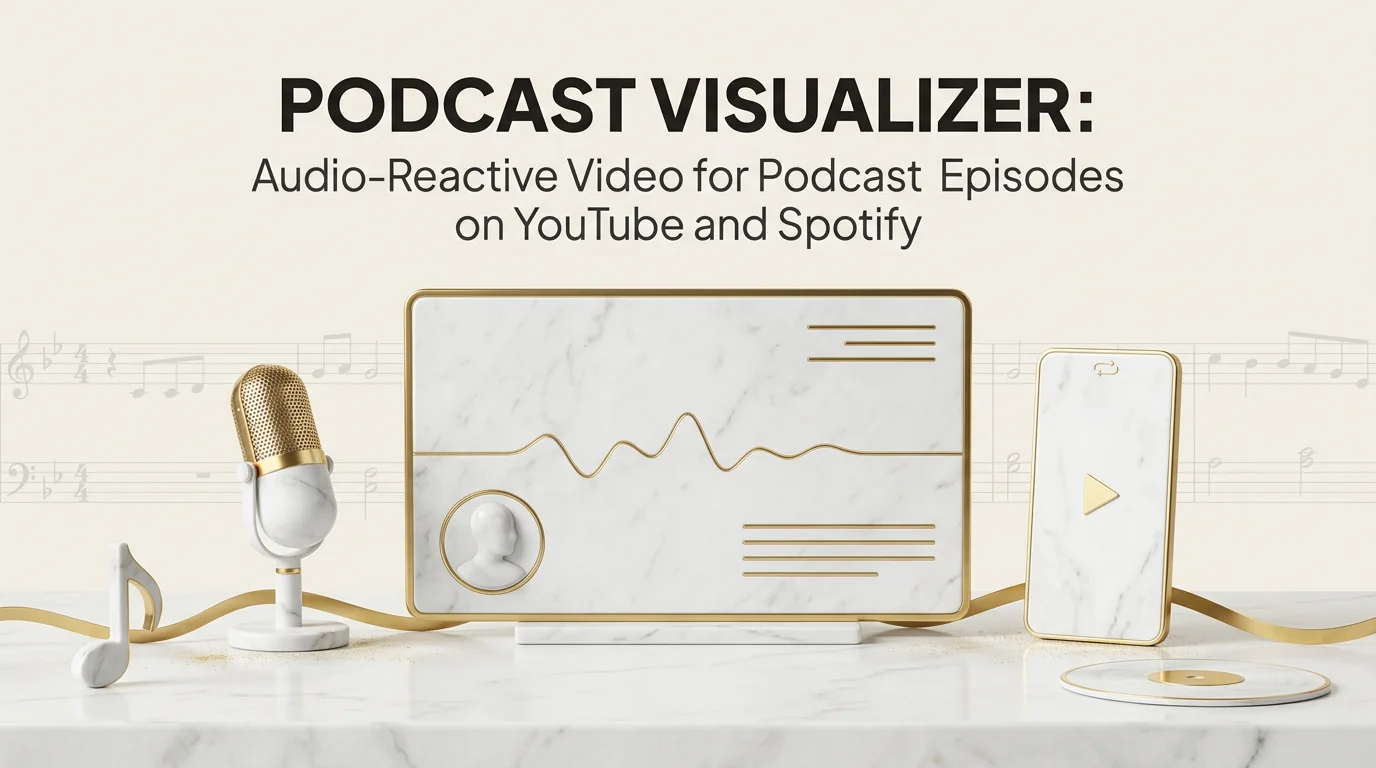
If you publish a podcast and you have looked at your YouTube numbers in the last year, you already know the rule. Audio-only episodes get found by people who already know your podcast. Video episodes get found by everyone else. A podcast visualizer is the cheapest path from one to the other. It takes your finished audio and produces a video where the visual reacts to what is being said, without requiring you to record on camera.
This article covers why podcast video matters for discovery now, how a podcast visualizer differs from a static waveform or a full talking-head video, which tools fit which podcast style, and what to expect if you try a music-first AI tool on spoken audio.
Why podcast video matters for YouTube discovery
YouTube has become a major podcast distribution platform, alongside Spotify Video and Apple. The difference between YouTube and audio-only platforms is that YouTube's recommendation engine surfaces video. An audio file uploaded as a black screen still appears in search, but does not get the same recommendation pickup as actual video content.
Podcast visualizers exist because most podcasts are not recorded on camera, and asking hosts to retroactively film every episode is unrealistic. A visualizer fills the gap. The audio is unchanged. The video layer is generated, branded, and consistent across the catalog.
Spotify also pushes video episodes harder on its mobile podcast surface, with engagement metrics that favor video over audio-only. Apple Podcasts is following with limited video support. Across all three platforms, the trend points the same direction: video coverage is a discovery multiplier, not a creative add-on.
Static waveform versus dynamic visualizer versus scene-based
There are three levels of podcast video content, and the right pick depends on your show and your patience.
Static waveform. Single image background, animated audio waveform across the bottom or middle. Cheapest. Looks like every other podcast on YouTube. Functional, forgettable. Tools that produce this: most basic audio-to-video tools, including built-in DAW features and free online converters.
Dynamic visualizer. Audio-reactive shapes, color changes, or scene transitions that respond to the audio energy. Still abstract, but the visual changes meaningfully across the episode. Better retention on YouTube because the visual gives the viewer something to track.
Scene-based. Multiple visual scenes that change with the content of the audio (chapters, topic shifts, energy changes). Closer to a music video than a podcast visualizer in the classic sense. Most expensive to produce well. Best retention but heaviest workflow.
For most podcasts, the right answer is dynamic visualizer for routine episodes, with scene-based reserved for big releases or interview specials.
Best podcast visualizer tools
Different tools sit at different points on the static-to-scene spectrum.
Headliner is the go-to for the static-waveform-with-branding flow. Fast, supports audiograms (short shareable clips), brand consistency across episodes. Visuals are simple but reliable. Best for shows that need fast turnaround on every episode.
Wavve is similar to Headliner with slightly different template options. Strong on short audiograms for social sharing.
Descript turns transcript editing into video editing, and includes basic visualizer elements as part of the broader podcast video workflow. If you already edit episodes in Descript, the visualizer flow is one step away.
Riverside Magic Editor produces podcast video automatically from a recording session, including audio-reactive elements. Useful if Riverside is your recording tool, less useful as a standalone visualizer.
Adobe Podcast focuses on audio enhancement but increasingly adds video-side features. Worth tracking for podcasters already in Adobe's ecosystem.
Captionfy and similar caption-driven tools focus on subtitle overlays with reactive accents. Captions plus motion is its own minor category that works well for short-form podcast clips.
For audio-reactive abstract motion specifically (less talking-head, more visual energy), tools that lean visualizer-first like Plazmapunk and Specular can be used on podcast audio, though they are built around music. Our best music visualizer software comparison goes through those tools in detail.
Echonos for podcast use cases and what to expect
Echonos Engine is music-first. It is an audio-analyzed, story-driven music video generator built around tempo, beat structure, and the musical content of a track. The Engine accepts MP3, M4A, WAV, AAC, OGG, and FLAC up to 40 MB, which means it will technically accept podcast audio in standard formats, though a run renders a 10 to 30 second moment rather than a full episode.
The honest expectation is that results vary on spoken audio. The Engine's analysis is tuned for music, so cues like "beat-synced scene change" do not map cleanly to spoken content where there is no beat. For a music-driven podcast (a DJ mix show, a music history show with long clips, a producer interview with track playbacks), the Engine can produce a useful visual layer. For a conversation-driven podcast with no music, dedicated podcast visualizer tools will usually give a more appropriate result on the first try.
If your podcast sits between the two (host segments plus music interludes), one realistic workflow is to use Echonos on the music portions for richer scene-based visuals, and use a dedicated podcast tool like Headliner or Descript on the conversation portions. The visual register can be tied together with consistent color and typography across both.
For shows where music is the actual subject, the same logic that drives music video generation from audio applies, and Echonos becomes a closer fit.
Designing visuals that do not distract from speech
A podcast visualizer has a different job than a music visualizer. The audio is the content. The visual is supporting. If the viewer is constantly drawn away from listening because the visual is too active, the visualizer is failing at its job.
A few rules hold across podcast styles.
Keep motion slow. A podcast visualizer should pulse with the audio, not strobe with it. The visual reaction should be at the energy-curve level, not the syllable level.
Hold colors consistent across the episode and across the catalog. Branded color palette is one of the cheapest ways to make a podcast catalog look like one show instead of thirty disconnected uploads.
Use static elements (logo, episode title, chapter markers) as anchors. The viewer's eye needs places to rest when the visual is reactive elsewhere on the frame.
Keep aspect ratio aligned with the platform. YouTube prefers 16:9. Spotify Video accepts both 16:9 and 9:16 for mobile. Apple Podcasts is more flexible but most established podcast video assets are 16:9.
The visual content for streaming discovery read covers how these design choices affect platform pickup, including the audio-first surfaces where the visual is decoration rather than primary content.
Distribution: YouTube, Spotify Video, and Apple
The three major podcast video surfaces differ in how they accept and surface video content.
YouTube is the most established and the most demanding. Long-form podcast video (full episodes) and short-form clips both work. YouTube Shorts has become a meaningful podcast discovery surface, with short clips driving subscribers back to full episodes. Vertical 9:16 is the format for Shorts, 16:9 for full episodes.
Spotify Video accepts video episodes through podcast hosting providers that support it. The video runs on the Spotify mobile and desktop apps when a listener taps into the episode. Spotify has been adding podcast video features steadily; the engagement metric they share publicly is that video episodes have higher completion rates than audio-only on their platform.
Apple Podcasts has limited but growing video support. Most shows that publish video episodes do so primarily for YouTube and use the audio version for Apple, but the gap is closing.
The realistic distribution pattern is: full 16:9 video for YouTube and Spotify Video, vertical 9:16 short clips for YouTube Shorts and Reels, audio-only for Apple Podcasts and other audio platforms. One podcast visualizer generation can serve the first two if the tool exports both aspect ratios; the third needs a separate short-form cut.
Wrapping up
A podcast visualizer is the cheapest path from audio-only to video distribution. For routine episodes, tools like Headliner, Wavve, and Descript handle the static-to-dynamic visualizer range cleanly. For podcasts that include meaningful music content, music-first tools including Echonos can produce richer scene-based visuals on the music portions, though spoken-only segments are better served by dedicated podcast tools.
The decision flow is straightforward: identify whether your podcast is conversation-first, music-first, or mixed, pick the tool that matches the dominant content, and accept that mixed shows may use two tools layered across the episode. For the broader read on visual content as a streaming discovery layer, the visual content for streaming discovery guide is the next stop.
FAQ
Frequently asked questions
5 questions answered. Tap to expand.
What is a podcast visualizer?
What is a podcast visualizer?
A podcast visualizer is a tool that turns spoken audio into video by adding visual motion that reacts to the audio. The output ranges from a simple animated waveform with the show's branding, to dynamic audio-reactive abstract motion, to scene-based video that changes with the audio's content. Podcast visualizers exist because most podcasts are not recorded on camera, and a video version is required for distribution on YouTube and Spotify Video.
What is the best free podcast visualizer?
What is the best free podcast visualizer?
Headliner has a free tier that produces clean audiogram-style podcast video with branding. Wavve offers similar free output. For audio-reactive abstract motion, Plazmapunk has a free browser tier that works on podcast audio though it is built for music. Most free tiers limit duration, add watermarks, or cap export resolution; for routine episode use most podcasts end up on a paid plan from one of these tools.
Can I use a music visualizer for a podcast?
Can I use a music visualizer for a podcast?
You can, but expect mixed results. Music visualizers are tuned for tempo, beat, and instrumental content. Spoken audio has different rhythmic patterns (sentence cadence, breath, emphasis) and most music-tuned visualizers do not handle these as gracefully as they handle a drum hit. For podcasts that include music segments, the music portions will look better in a music visualizer than the talking portions.
Does my podcast need video for YouTube?
Does my podcast need video for YouTube?
If YouTube discovery is part of your growth plan, yes. YouTube's recommendation engine favors video content over audio-only uploads, and the gap is meaningful for new listener acquisition. A black-screen audio upload still appears in search but does not get the same recommendation pickup. A podcast visualizer is the lightest-weight way to satisfy the video requirement without changing how you record.
What aspect ratio should a podcast visualizer be?
What aspect ratio should a podcast visualizer be?
16:9 for full episodes on YouTube and Spotify Video. 9:16 for short clips on YouTube Shorts, Reels, and TikTok. Most established podcast video lives in 16:9; the short-form clips are the secondary distribution layer for discovery.
Keep reading
Related Articles
Instrumental Music Video: How Producers Can Visualize Tracks Without Vocals in 2026
How producers make an instrumental music video in 2026: beat-synced visuals, type-beat cuts, and style presets built for instrumental tracks.
AI Music Video Generator from Audio: How Echonos Engine Builds Beat Synced Videos in 2026
How an AI music video generator from audio reads your track for tempo, structure, and mood to render beat-synced 9:16, 16:9, or 1:1 scenes.
Best Music Visualizer Software for Musicians and Producers
Compare the 8 best music visualizer software tools in 2026: free vs paid, real-time VJ apps, Spotify Canvas makers, and AI music video generators.

Written by
Brandon GrossnickleFounder & CTO
Former Senior Data Scientist at Deloitte, contracted for U.S. Government programs and Walmart. Indie iOS developer with 7 apps on the App Store. Leads Echonos' core technology architecture, product strategy, and infrastructure scaling.