

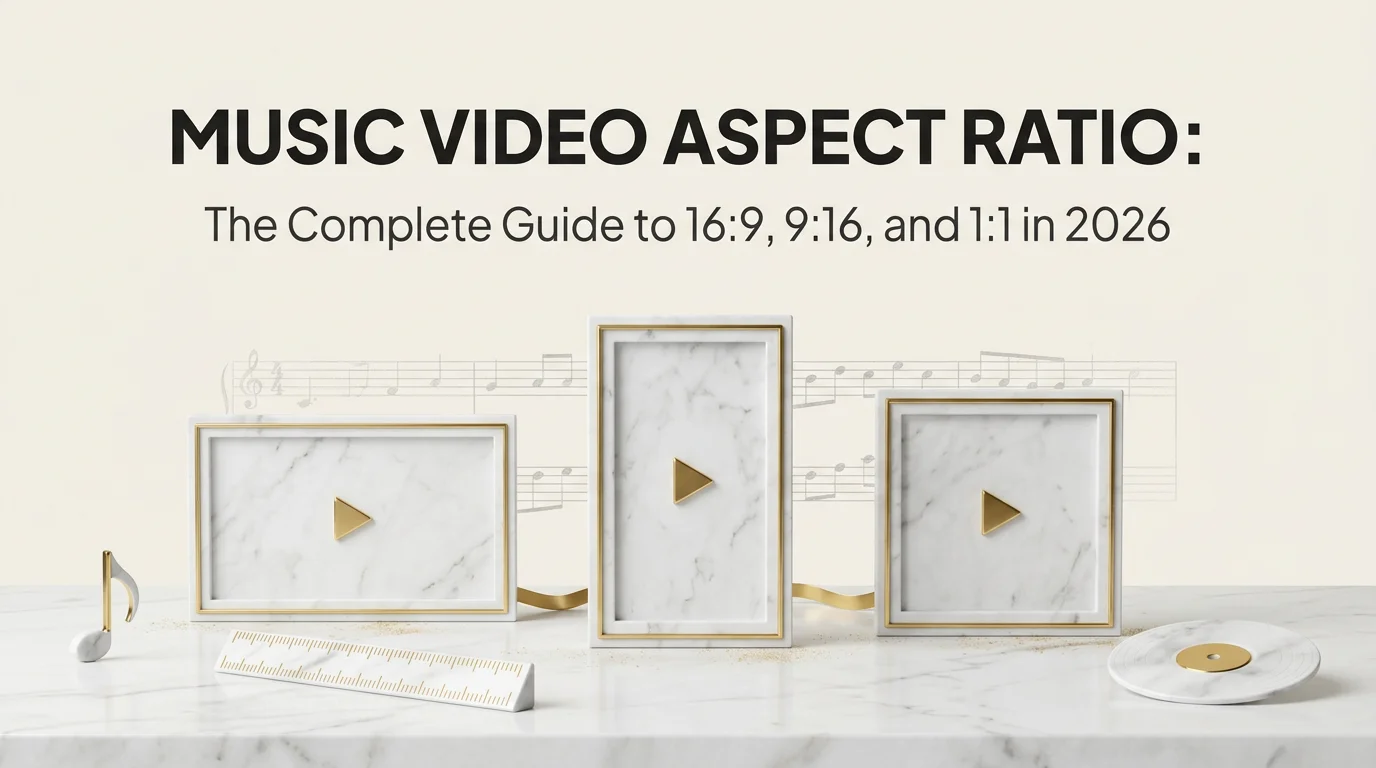
The right music video aspect ratio depends on where the video plays: 16:9 for the main YouTube video, 9:16 for TikTok, Reels, Shorts and Spotify Canvas, 4:5 or 1:1 for Instagram and Facebook feeds, and 1:1 for Apple Music animated art. Make each version for its frame instead of cropping one master.
Aspect ratio is the shape of the frame, written as width to height. 16:9 is wide, 9:16 is the same shape turned on its side, and 1:1 is square. Resolution is a separate thing: 1920 by 1080 and 3840 by 2160 are both 16:9, one just has more pixels. This guide gives you the ratio and resolution for every surface a release lands on, answers the cinematic letterbox question, and shows how to reframe without wrecking your composition.
Key Takeaways
- There is no single music video aspect ratio. A release needs at least two shapes: 16:9 for YouTube and 9:16 for short-form and Spotify Canvas.
- Cropping 16:9 down to 9:16 keeps only about 32 percent of the frame's width. Anything off-center is gone, which is why native vertical versions look better than crops.
- Cinematic 2.39:1 works on a TV and a desktop, and shrinks badly on a phone. In a vertical feed it fills less than a quarter of the screen height.
- Apple Music animated art and Spotify Canvas are separate formats with their own shapes: square or tall for Apple, 9:16 for Canvas.
- Echonos renders 9:16, 16:9 or 1:1, chosen per run, so you can make each shape from the same song instead of cropping one.
Aspect ratio by platform
The table below covers the surfaces most releases use. Specs change, so treat it as a reliable starting point and confirm the details in each platform's own help pages before a big upload.
| Platform | Aspect ratio | Resolution to export | Notes |
|---|---|---|---|
| YouTube (main video) | 16:9 | 1920 x 1080, or 3840 x 2160 for 4K | The player fits other ratios and adds bars itself |
| YouTube Shorts | 9:16 (square also accepted) | 1080 x 1920 | Shorts can run up to 3 minutes |
| TikTok | 9:16 | 1080 x 1920 | Captions and buttons cover the bottom and right edge |
| Instagram Reels | 9:16 | 1080 x 1920 | The profile grid shows a cropped preview, so keep the subject central |
| Instagram feed | 4:5, 1:1 or 1.91:1 | 1080 x 1350 or 1080 x 1080 | 4:5 is the tallest feed shape and takes the most screen |
| 4:5 or 1:1 in feed, 9:16 for Reels, 16:9 for landscape | 1080 x 1350, 1080 x 1920 | Mobile feed favors 4:5 and vertical | |
| X | 16:9, 1:1 and 9:16 all play | 1920 x 1080 or 1080 x 1920 | Tall video can be cropped in the timeline preview |
| Spotify Canvas | 9:16 | 1080 x 1920 recommended, 720 x 1280 minimum | 3 to 8 second silent loop, MP4 or JPEG |
| Apple Music animated art | 1:1 square and 3:4 tall | Set by Apple's spec | Seamless loop, delivered by a distributor or label that supports motion art |
Two notes on that table. Spotify Canvas has more rules than shape alone; the Spotify Canvas maker guide has the full spec, and if a Canvas is refusing to show, why your Spotify Canvas is not working walks through the fixes. Apple Music animated art is not uploaded by artists directly the way a Canvas is; it reaches Apple through your distributor or label where they support it, so ask them for the current spec before you render.
16:9 for YouTube and anything watched on a big screen
The main music video on your YouTube channel should be 16:9. It is the shape of TVs, laptops and the YouTube player itself, and it is where people watch a full song with intent. Export at 1920 by 1080 at minimum, or 3840 by 2160 if your source holds up at 4K.
YouTube's player adapts to whatever ratio you upload, and its video resolution and aspect ratio help page is the place to check how it handles odd shapes. If you want the full YouTube workflow, from upload settings to the premiere, see how to make a music video for YouTube.
9:16 for short-form, Canvas, and discovery
Vertical 9:16 at 1080 by 1920 covers TikTok, Reels, Shorts and Spotify Canvas. These are the places where new listeners meet a song, often with the sound on and a thumb ready to scroll, and a full-screen vertical frame is the only shape that fills the phone.
Composition changes in vertical. There is less room side to side, so one subject large in frame reads better than a wide group shot. The platforms also lay interface on top of your video: captions, usernames and buttons along the bottom and down the right edge. Keep faces and any text in the middle of the frame, roughly clear of the top and bottom 15 percent. The vertical music video guide goes deeper on framing for 9:16, and the platform playbooks for YouTube Shorts and Instagram Reels cover the hooks and pacing each feed rewards.
1:1 and 4:5 for feeds and animated covers
Square and 4:5 portrait matter in two places. Instagram and Facebook feeds give a 4:5 video more screen than a 16:9 one, so a feed post in 4:5 or 1:1 simply looks bigger as people scroll. And animated cover art, the moving version of your album artwork on Apple Music, starts from a square because cover art is square.
A square frame is also the safest shape to recut. From a 1:1 source you can make a 4:5 or 9:16 version by extending the background, and a 16:9 version by adding side space, without losing the center of the image.
The cinematic letterbox question: 2.39:1 and 4:3
Plenty of artists want the film look: wide 2.39:1 with black bars, or the boxy 4:3 of old TV and home video. Both work, but you have to know where they will be watched.
2.39:1 inside a 16:9 frame. On a 1920 by 1080 export, a 2.39:1 picture is about 1920 by 804, with roughly 138 pixels of black above and below. On a TV or laptop that reads as cinema. On a phone held upright, it is a thin stripe: a 2.39:1 frame across a 1080 by 1920 screen is about 452 pixels tall, less than a quarter of the screen height. A standard 16:9 frame gets about 608 pixels, and a 9:16 frame gets all 1,920.
4:3 inside a 16:9 frame. A 4:3 picture on a 1920 by 1080 export is 1440 by 1080, with 240 pixels of black on each side. It suits retro, VHS and found-footage ideas, and Echonos art styles like Low-Poly PS1 or PS2 Game Cinematic lean into that look naturally.
A simple rule covers most cases:
| Where it plays | Cinematic letterbox? |
|---|---|
| YouTube main video, TV, festival screen | Yes, if the concept calls for it |
| Instagram feed, Facebook feed | Usually no; use 4:5 or 1:1 instead |
| TikTok, Reels, Shorts, Spotify Canvas | No; letterbox bars waste the screen |
If you go cinematic on YouTube, make a separate full-frame vertical version for short-form rather than placing the letterboxed picture in the middle of a 9:16 canvas. The cinematic music video guide covers the lighting and camera choices that sell the film look without relying on bars.
Reframing without wrecking the shot
Most releases end up needing a shape they were not made in. These habits keep that from hurting.
Know how much a crop costs. A 9:16 crop from a 16:9 frame keeps 608 of 1,920 pixels of width, about 32 percent. A 1:1 crop keeps 1,080 of 1,920, about 56 percent. If the subject drifts off-center in the original, the crop loses it.
Compose for the center when you know you will crop. If a wide video must also feed vertical platforms, keep the performer and key action in the middle third of the frame. Leave the edges for atmosphere you can afford to lose.
Use reframing tools, then check every shot. Premiere Pro's Auto Reframe, DaVinci Resolve Studio's Smart Reframe and CapCut's reframe tools track the subject for you. They get most shots right and some badly wrong, so scrub through and fix keyframes by hand.
Do not stack bars on bars. A 16:9 video placed inside a 9:16 frame with a blurred copy behind it is a fallback, not a format. It shows the platform and the viewer that the video was made for somewhere else.
Make the second shape natively when you can. Re-shooting or re-rendering one key moment in the other ratio usually beats cropping the whole video.
Making each shape in Echonos
Echonos renders music videos in 9:16, 16:9 or 1:1, and you choose the shape per run. A run renders a 10 to 30 second video from the moment of the song you pick, so the practical approach is to run your hook in 9:16 for TikTok, Reels and Shorts, and run the same or another moment in 16:9 for YouTube. Keep the same character and art style across both runs and they read as one release, without the 32 percent crop.
Proteon makes a one-shot music video from your song. Orpheon makes a storyboard-driven cinematic cut of 10 or 15 seconds, at Low, Medium or High strength (480p, 720p or 1080p), which suits the wide 16:9 hero moment. Longer cuts, up to the full song, come with Long Form Export on higher plans, and you can join runs in any video editor.
For the static and looping store assets, the Release Package produces a Spotify Canvas as a 4 to 8 second seamless 9:16 loop from your cover, Animated Cover Art as a 1:1 loop for Apple Music, and your cover resized for Spotify, YouTube and Apple Music images.
The short version
Match the shape to the screen: 16:9 for YouTube, 9:16 for short-form and Canvas, 4:5 or 1:1 for feeds, square for animated covers. Keep cinematic bars for the big screen, and make the second shape natively rather than cropping away two-thirds of your frame. To get the vertical and horizontal versions from one song, try it in Echonos and pick the aspect ratio per run.
FAQ
FAQ
5 questions answered. Tap to expand.
What is the best aspect ratio for a music video?
What is the best aspect ratio for a music video?
There is not one. Use 16:9 for the main YouTube video and anything watched on a TV or laptop, and 9:16 for TikTok, Reels, Shorts and Spotify Canvas. Add 4:5 or 1:1 for Instagram and Facebook feeds. Most releases need at least the first two, made for their own frame rather than cropped from each other.
What aspect ratio is a YouTube music video?
What aspect ratio is a YouTube music video?
A standard YouTube music video is 16:9, exported at 1920 by 1080 or 3840 by 2160 for 4K. The YouTube player can show other ratios and adds black bars around them itself. YouTube Shorts is the exception: it wants vertical 9:16 at 1080 by 1920, and square also works.
Should I use 2.39:1 for a music video?
Should I use 2.39:1 for a music video?
Use it when the main video lives on YouTube, a TV or a festival screen and the concept is cinematic. Inside a 16:9 export it becomes about 1920 by 804 with bars above and below. Avoid it on TikTok, Reels, Shorts and Canvas, where it fills less than a quarter of an upright phone screen.
What is a 1:1 aspect ratio used for?
What is a 1:1 aspect ratio used for?
A 1:1 frame is square, as wide as it is tall, such as 1080 by 1080. Music marketing uses it for Instagram and Facebook feed posts, for animated cover art that starts from square artwork, and as a flexible master, because square recuts to 4:5, 9:16 or 16:9 while keeping the center of the image.
Can Echonos make horizontal music videos?
Can Echonos make horizontal music videos?
Yes. Echonos renders 9:16, 16:9 or 1:1, and you pick the aspect ratio for each run. A run covers 10 to 30 seconds from the moment of the song you choose, so you can make a vertical cut for short-form and a horizontal cut for YouTube from the same song, keeping the same character and art style.
Keep reading
Related Articles
Vertical Music Video Guide: The 9:16 Format That Now Drives Music Discovery in 2026
Vertical music video guide for indie artists: what 9:16 means, why short-form needs native vertical, and how to build one without filming horizontal first.
YouTube Shorts Music Video: How to Cut a Hero Video Into a Shorts Series in 2026
YouTube Shorts music video guide: the format specs, the cuts that work for Shorts, a release-window posting schedule, the description link mechanic, and how Shorts plug into a release's YouTube main channel.

Music Video for Instagram Reels: Format, Specs, and the Hook Pattern That Actually Lands
Music video for Instagram Reels guide: the 9:16 spec, length and hook rules, captioning patterns, and how to cut a Reels music video from your master video.

Written by
Echonos Team
We build Echonos — an AI music video pipeline for indie artists, managers, and small labels. We write here about how we think about audio, visuals, and release workflow.