

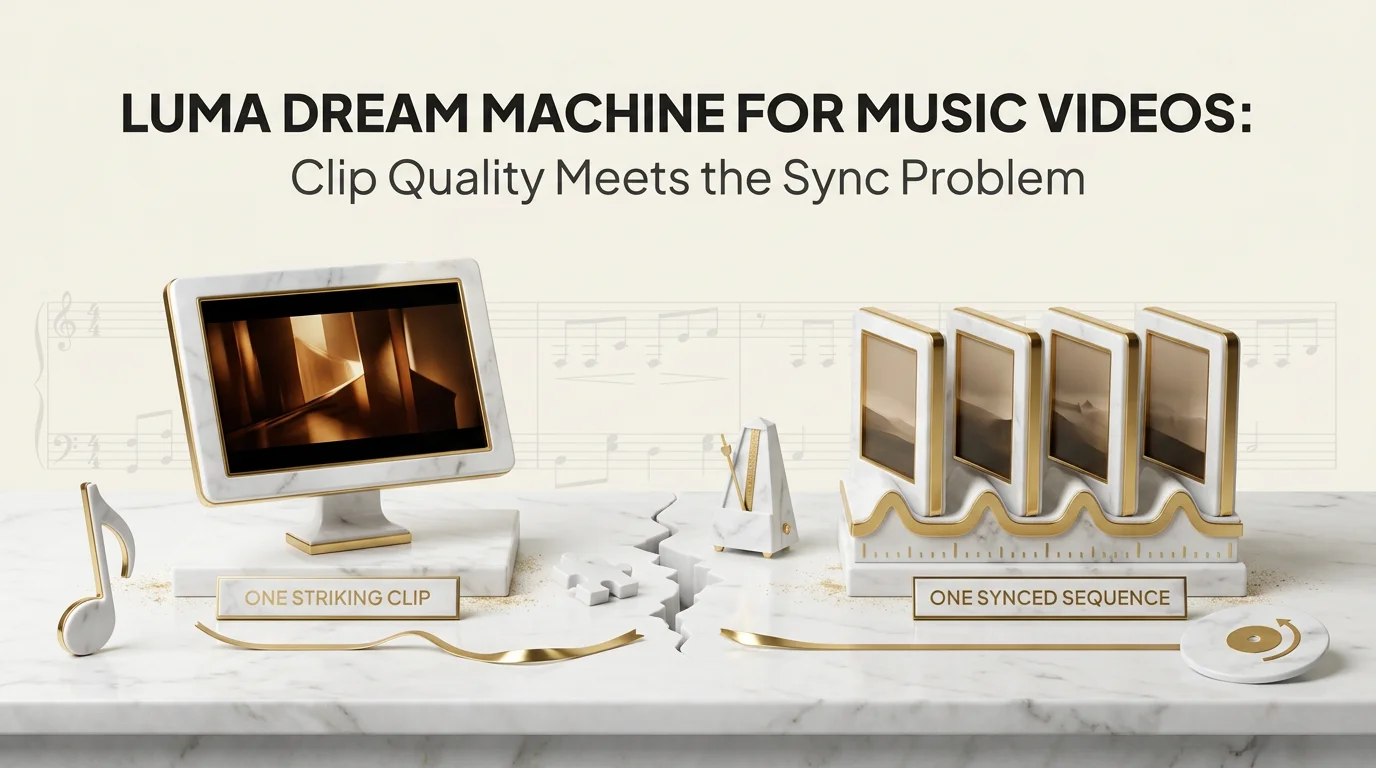
Luma Dream Machine for a music video works well for a single striking shot and struggles the moment you need ten of those shots to land on the beat, in order, with the same face in every one. That's the real question artists are asking: is Dream Machine enough on its own, or does it need a second tool to actually become a music video. The short answer is that Dream Machine is a clip generator, not a sync engine, and the difference matters more than most comparisons admit.
Key Takeaways
- Luma Dream Machine music video output is strongest at the single-clip level: lighting, texture, and camera movement read as high quality per shot.
- Dream Machine has no audio input and no beat detection, so any music alignment happens manually, after generation, in an editor.
- Stitching multiple Dream Machine clips into one song is where render time, prompt drift, and character drift all compound at once.
- A character reappearing consistently across 8 to 12 scenes is a harder problem than any single clip's quality, and it's the one Dream Machine doesn't solve natively.
- Audio-aware tools like Echonos Engine start from the song's structure, which removes the manual sync step Dream Machine leaves for the editor.
What Dream Machine Is Good At
Luma's Dream Machine earned its reputation on per-shot fidelity. Feed it a strong prompt or a reference image and the output holds up: convincing motion physics, coherent lighting across a few seconds, camera moves that don't warp the subject into soup. For a moody album-cover-to-motion clip, a single dreamlike transition, or a b-roll insert behind a chorus, it's a genuinely useful tool.
The model also handles image-to-video conversion cleanly, which matters for artists who already have a strong still (an album cover, a portrait, a concept photo) and want it to breathe for a few seconds rather than sit static. That's a real and specific use case, and Dream Machine is competitive there against Runway, Pika, and Kling.
Prompt adherence is another area where Dream Machine holds up reasonably well for a single generation. Describe a specific camera move, a specific lighting condition, a specific mood, and the output tends to reflect the brief without needing five retries to get something usable. That matters for the economics of the tool: fewer wasted generations per usable clip means the per-shot cost stays reasonable even before you get to the stitching problem.
None of that is in question. The question is what happens when "a few seconds of one shot" needs to become "three minutes of a finished music video." That's a different engineering problem than generating one good clip, and it's the problem most single-clip generators, Dream Machine included, were never built to solve.
The Gap Between Beautiful Clips and a Synced Video
A music video isn't a folder of good clips. It's a sequence where cuts land on transients, where the energy of the visual tracks the energy of the arrangement, and where a chorus feels different from a verse because the edit rhythm changes, not just the visuals. Dream Machine has no concept of any of that. It takes a text or image prompt and returns a clip of a fixed length, with zero awareness of what's happening in the audio.
That means every sync decision, every cut point, every "this clip should land right as the snare hits" moment gets solved by a human, after the fact, in a timeline. For a 3-minute song assembled from 15-second Dream Machine clips, that's roughly 12 individual generations, each needing its own prompt, its own review pass for artifacts, and its own manual placement against the waveform. The failure mode isn't that any single clip looks bad. It's that a set of good clips assembled without audio-aware timing reads as a slideshow with motion, not a music video.
This is the actual criterion worth comparing tools on, and it's one most "which AI video tool is best" roundups skip because they're comparing clip quality in isolation rather than end-to-end music video output. A clip generator's demo reel almost never shows the assembly step, because the assembly step is where the manual labor lives. Naming this criterion explicitly, rather than judging tools on clip quality alone, is the same starting point covered in the buyer's checklist for picking an AI video generator.
There's a second, quieter cost here too: review time. Every Dream Machine clip needs a human pass to check for warped hands, melted backgrounds, or a camera move that clips through the subject. Multiply that review pass by 12 to 15 clips per song and the time spent curating usable output starts to rival the time spent editing. None of that shows up in a per-generation price, but it's real production time that a song-first workflow avoids by generating from a single timeline instead of a pile of independent takes.
How Beat-Snap Timing Solves the Stitch Problem
The fix isn't a better prompt. It's starting from the audio instead of adding it at the end. Echonos Engine takes the uploaded song as the primary input, analyzes it for beat structure, section boundaries, and energy shifts, and generates a full music video from that analysis rather than stitching independent clips together after the fact. Inside Studio, the timeline is beat-snapped: scene cuts default to musically meaningful points instead of arbitrary clip-length boundaries, so a chorus doesn't accidentally get chopped mid-phrase because a generation happened to run 14.7 seconds instead of 16.
That single structural difference removes the manual sync pass that eats the most time in a Dream Machine workflow. It doesn't make Dream Machine clips worse. It just means the sync work that would otherwise land on the editor gets handled at generation time instead.
Every full Engine generation is 200 credits flat, regardless of song length. That's a different cost model than clip-based tools, where cost scales with how many individual clips you have to regenerate to get a usable stitch. A 3-minute song processed as one Engine run costs the same as a 90-second one; a 3-minute song built from Dream Machine clips costs roughly however many 5 to 15 second segments it takes to cover the runtime, each a separate generation.
The practical decision rule: if a song's arrangement has more than 3 or 4 distinct sections that each need their own visual treatment (verse, pre-chorus, chorus, bridge, outro), a clip-stitching workflow starts multiplying cost and review time in a way that a single audio-analyzed generation doesn't. Shorter, simpler songs with one dominant visual idea are where clip-stitching stays manageable. Longer or more dynamic arrangements are where the manual sync tax gets steep fast.
Locking Your Look Across Every Generated Scene
The second compounding problem in a clip-stitching workflow is character drift. Generate the same prompt twice in Dream Machine and you'll often get a different face, a different outfit detail, a different build. That's fine for a single clip. It's a real problem across 10 to 15 clips that are supposed to be the same artist performing the same song.
Echonos Characters addresses this directly: up to 4 reference image slots per character (a headshot is required, full body, left profile, and right profile are optional, each up to 10MB), locked in once and reused across every scene the Engine generates for that song. Instead of re-prompting a description and hoping the model lands close enough each time, the character reference holds the look constant across the whole release. For an artist appearing in every scene of their own music video, that consistency is the difference between a video that reads as one coherent performance and one that reads as a slideshow of near-matches.
If a project needs Dream Machine's per-shot visual style paired with a persistent character, the workflow either needs heavy manual correction in post, or a character-aware generation layer doing that locking at the source.
Drift compounds in a specific, predictable way: it's rarely one clip that looks wrong, it's clip 7 looking close enough on its own but visibly different from clip 2 when the two sit three seconds apart in a finished edit. Viewers catch that kind of inconsistency even when they can't articulate why a video feels "off." A locked character reference removes that failure mode at the source instead of relying on an editor's eye to catch every mismatch during assembly, which is the same principle behind the style consistency locks guide for keeping an entire release's visual identity stable, not just one character's face.
A Combined Workflow That Actually Ships
For teams set on using Dream Machine's specific visual style, the more realistic workflow is treating it as a supplemental b-roll or transition generator rather than the primary video engine. Generate the base music video from the song using an audio-aware tool, then drop in a handful of Dream Machine clips as inserts, cutaways, or intro/outro moments where a single striking shot matters more than sync precision.
That hybrid approach respects what each tool is actually good at: Dream Machine for isolated visual moments, an audio-first engine for the structural backbone that has to track the song from first beat to last. Trying to make Dream Machine alone carry a full music video means accepting the manual sync and character-drift costs as part of the price of admission.
Studio's scene regeneration exists for exactly this kind of touch-up work: if one beat-synced scene in an Engine-generated video needs a different look, a Studio image regen is 10 credits flat (the first 10 regens on a new subscription are free, and that allowance doesn't reset on renewal), and a video regen is 50 credits flat. That's a fixed cost for fixing one scene, not a full re-render of the whole video. The scene-by-scene editing guide walks through that regeneration workflow in more detail, including when a touch-up is worth it versus starting a fresh generation.
The Read on Dream Machine for Music Videos
Dream Machine is a strong clip generator, not a music video generator, and treating it as the latter means absorbing manual sync work and character drift as hidden costs. The tools that solve the actual music video problem start from the song, not from a prompt. If Dream Machine's visual style is worth keeping, the more realistic move is folding it in as a supplemental layer rather than the primary engine, which is the same tradeoff worth weighing against other alternatives built for talking-head and character work, and the broader landscape of AI music video generators compared side by side covers where each tool fits beyond this single comparison.
If you're working on a full-song music video that needs to stay on-beat and keep one character consistent from the first scene to the last, Echonos Engine is built around audio-analyzed generation with beat-synced timing, so the sync work Dream Machine leaves for the editor happens at generation time instead.
FAQ
FAQ
5 questions answered. Tap to expand.
Can Luma Dream Machine sync video to music automatically?
Can Luma Dream Machine sync video to music automatically?
No. Dream Machine generates clips from text or image prompts with no audio input and no beat detection. Any alignment between a Dream Machine clip and a song's rhythm has to be done manually afterward in a video editor, matching cut points to the waveform by hand.
How long can a single Dream Machine clip be?
How long can a single Dream Machine clip be?
Dream Machine generations are short-form, typically in the range of a few seconds to around 15 to 20 seconds per clip depending on the mode used. A full-length song requires generating and stitching multiple clips to cover the runtime, which is where the manual sync workload comes from.
Does Dream Machine keep the same character consistent across clips?
Does Dream Machine keep the same character consistent across clips?
Not reliably. Re-running the same prompt or reference image across separate generations commonly produces variation in facial features, outfit details, and body proportions. Tools built around a locked character reference, like Echonos Characters, are designed specifically to hold a look constant across many scenes.
What output ratio does Echonos produce compared to Dream Machine?
What output ratio does Echonos produce compared to Dream Machine?
Dream Machine can generate in multiple aspect ratios depending on settings. Echonos currently ships 9:16 vertical only; horizontal output is on the roadmap. For artists building primarily for Reels, Shorts, TikTok, and Spotify Canvas, that vertical-only default matches the destinations without a reframing step.
Is there a free way to try Dream Machine for a music video?
Is there a free way to try Dream Machine for a music video?
Dream Machine has offered limited free generation access at various points, useful for testing prompt style before committing. For Echonos, there's no free subscription tier: new accounts get 250 free signup credits (roughly one full Engine generation with headroom for a Studio fix), after which the live tier is Basic at $50/month with 850 credits.
Keep reading
Related Articles
Choosing an AI Video Generator as a Musician: A Buyer's Checklist for 2026
The best AI video generator for musicians handles beat-synced cuts, character consistency, and multi-ratio exports. Full 2026 buyer checklist.

Hedra AI Alternatives for Music Video Work: 5 Tools and Who Each Suits
Hedra AI alternative options for musicians: five tools compared, plus how to tell when a talking-head generator is simply the wrong category for your.

AI Music Video Editing Scene by Scene: How to Fix One Scene Without Rebuilding the Whole Video
How to fix one scene in your AI music video without rebuilding the whole cut: rerun the moment or use 3x3 Storyboard in Echonos, then swap it.

Written by
Brandon GrossnickleFounder & CTO
Former Senior Data Scientist at Deloitte, contracted for U.S. Government programs and Walmart. Indie iOS developer with 7 apps on the App Store. Leads Echonos' core technology architecture, product strategy, and infrastructure scaling.