

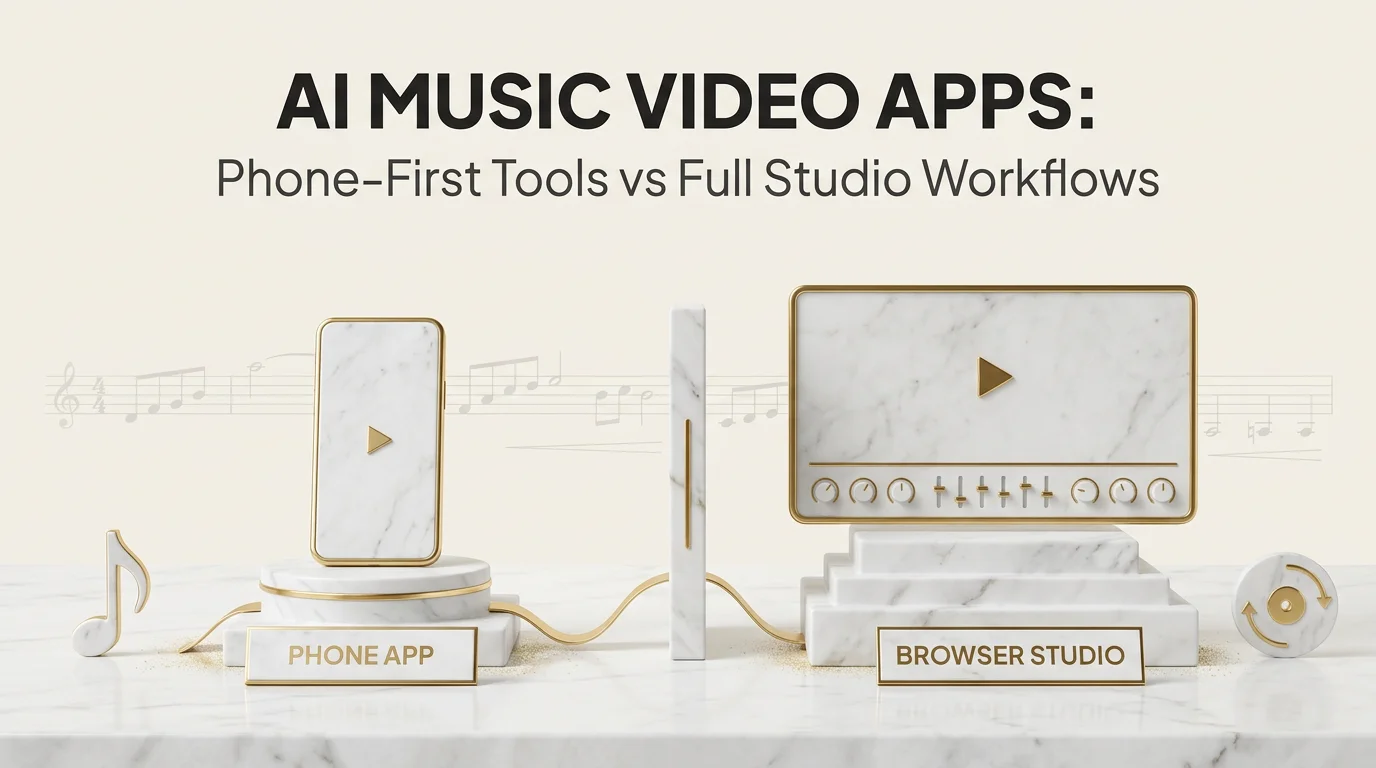
An "ai music video app" search usually means one of two very different things: a phone app you tap through in a coffee break, or a browser-based studio you sit down with for an hour. Both make music videos. They are not the same tool for the same job.
Key Takeaways
- Phone apps trade editing depth for speed; browser studios trade a longer session for real control.
- Most AI music video apps limit what you can edit on mobile, especially scene-level fixes.
- Uploading a song works similarly across both, but format and length limits still apply on either.
- Moving from an app to a full studio usually happens when a single scene needs a fix, not because the app failed outright.
- Echonos runs as a browser-based web app, with Create for the music video, Storyboard for planning specific shots, and Release Package for cover art and Canvas, while fine cuts happen in any desktop video editor.
What people mean by an AI music video app
"App" gets used loosely here, so it is worth separating the actual categories before comparing anything.
Native phone apps. Installed from an app store, built for touch input, usually optimized for a specific quick output: a caption-and-beat template, a short reactive loop, a simple transition-based edit over your own footage. A roundup of music video apps sorted by what you actually need compares the main options.
Browser-based studios. Accessed through a desktop or mobile browser, generally built around a fuller workflow: audio upload, AI-driven scene generation, a timeline for adjustments, and export controls. Echonos runs this way: it is a web app, not a native phone app. You generate in Create, plan shots with Storyboard, and do fine cuts in whichever video editor you already use.
Hybrid tools. Some products run a native app for quick capture or preview and push the heavier generation work to a server, syncing back to the app once done. The user experience feels app-like even though the compute is not happening on the phone.
Knowing which category a tool falls into before you commit ten minutes to it saves the frustration of expecting studio-level control from a phone app, or expecting a two-minute turnaround from a full browser studio.
Phone apps vs a browser-based studio
The trade-offs come down to three things: speed, control, and what happens when something needs a fix.
Speed. Phone apps generally win on time-to-first-result. You are often producing something in under five minutes because the templates and presets do most of the decision-making for you. A browser studio that reads your actual audio for tempo, structure, and mood takes longer up front because more is actually happening.
Control. Browser studios generally win here. A phone app's touch interface is built for quick taps, not fine timeline adjustments. A browser studio with a real timeline lets you see where scenes land relative to the beat and adjust individual sections.
Fixing one thing that is wrong. This is where the gap is widest. Most phone apps make you restart the whole edit if one part is off, since there is no scene-level regeneration built into a lightweight mobile interface. A browser workflow handles this better. In Echonos you keep the same character, style, and references and run again in Create from a different moment of the song or with adjusted settings, or you board the exact shots you need with Storyboard and render them with Orpheon, then trim the result in a desktop video editor. You change the inputs for the part that missed instead of rebuilding the whole project from scratch.
Neither category is wrong. A phone app is the right tool when you want something posted in the next ten minutes and the stakes are low. A browser studio is the right tool when the video is a real release asset and you expect to need at least one revision pass.
Here is the same trade-off criterion by criterion:
| Criterion | Native phone app | Browser-based studio |
|---|---|---|
| Time to first result | Often under five minutes, because presets make most decisions | Longer up front, because the tool analyzes your audio first |
| Fixing one part | Often a full restart of the edit | Change the inputs for the part that missed and run again |
| Consistency across a catalog | Usually no persistent character or style layer | Stores and recalls reference assets across sessions |
| Cost for occasional use | A one-time purchase can be cheaper | Subscription or credit-based plans suit a regular release cadence |
| Best moment to use it | A quick, low-stakes post | A release asset that needs at least one revision pass |
Where each category actually wins, criterion by criterion
Laying the two categories out on the same criteria makes the trade-off more concrete than a general "which is better" framing.
Time to first result. Phone apps win here consistently. A template-driven mobile app can produce something in under two minutes because most creative decisions are pre-made. A browser studio doing real audio analysis (tempo, structure, mood) before generating anything will always take longer up front, since more work is actually happening before you see a result.
Precision of the fix. Browser studios win here consistently. Touch input is imprecise for frame-level or scene-level adjustments compared to a mouse and a larger screen. If a specific 2-second moment in a video needs a targeted fix, doing that accurately on a phone screen is harder than on a desktop browser, regardless of which specific app or studio you are using.
Consistency across a catalog. Browser studios generally win, because a persistent character or style layer needs to store and recall reference assets across sessions, which is a heavier feature to build into a lightweight mobile-first app. Phone apps optimized for speed usually skip this entirely.
Cost for occasional use. This depends more on the specific pricing model than the app category. A phone app with a one-time purchase can be cheaper for very occasional use than a subscription-based studio. A credit-based studio model, like Echonos's paid plans with a monthly credit allowance, where a run's credit cost scales with clip length and model, makes more sense once you are releasing on a regular cadence.
Portability of the workflow. Phone apps win for capturing an idea anywhere, any time. Browser studios win for finishing that idea with real control once you are back at a larger screen. The two are not actually competing for the same moment in your workflow if you use them for what each does best.
What you can and cannot edit on mobile
Mobile interfaces impose real limits on editing depth, independent of which specific app you are using.
What generally works well on mobile: uploading audio, picking a visual style or template, previewing the generated result, and basic export/share actions. These are all single-tap or single-swipe interactions that fit a touch interface naturally.
What generally does not work well on mobile: frame-accurate timeline scrubbing, regenerating a specific scene while leaving the rest untouched, and detailed comparison between multiple output versions side by side. These need either more screen space, more precise input (mouse or trackpad), or both.
Echonos being browser-based means the same account and project work on a phone browser and a desktop browser, but reviewing several runs side by side, boarding shots in Storyboard, and doing fine cuts in a video editor are meaningfully easier with more screen space. If a fix needs precision, a laptop or desktop browser session gets you there faster than a phone screen.
Uploading your song and getting a first draft
The upload step looks similar across phone apps and browser studios, but the limits differ by tool, not by device type.
For Echonos specifically: accepted audio formats are MP3, M4A, WAV, AAC, OGG, and FLAC, with a maximum file size of 40 MB and a minimum duration of 60 seconds. AIFF is not supported; export a WAV or FLAC copy if your master is in AIFF. Once uploaded, you pick the moment of the song you want, the model (Proteon for a one-shot music video, Orpheon for a storyboard-driven cinematic cut), and the aspect ratio (9:16, 16:9, or 1:1). The Engine analyzes the track's tempo, structure, mood, and lyrics and produces a beat-synced 10 to 30 second video as the first draft.
That first draft is the actual starting point, not the finished asset. From there, you review it against the track and decide what, if anything, needs another pass: a different moment or settings in Create, a Storyboard planned Orpheon run for specific shots, or a trim in your video editor.
A realistic day-in-the-life comparison
It helps to walk through what an actual session looks like on each, rather than comparing feature lists abstractly.
Phone app session. You have ten minutes between other tasks. Open the app, pick a template that matches the mood you want, upload or select the track, adjust a couple of preset parameters (color, pacing speed), and export. The whole session takes under five minutes, and the result is usable for a quick post. You are not going back to fix anything specific; if the result does not look right, you simply try a different template rather than adjusting a single element.
Browser studio session. You sit down at a desktop with an hour set aside. Upload the track, wait for the Engine's analysis and first-draft generation, review the result against the track section by section, identify one or two scenes that do not land quite right, adjust the settings or board those shots with Storyboard and run again in Create, cut the best takes together in a desktop editor, and export the finished version. The session takes longer overall, but the result is a considered, reviewed piece rather than a first-pass template output.
Neither session is wrong for what it is trying to accomplish. The mistake is expecting the ten-minute phone session to produce the same considered result as the hour-long studio session, or expecting the hour-long studio session to be as fast as the phone app. They are built for different moments in a release workflow, not for competing head to head on the same job.
When to move from an app to a full studio workflow
A few clear signals suggest it is time to move from a quick phone app to a browser-based studio workflow.
The release matters. A lead single, an album track, or anything going out with a real marketing push benefits from the control a browser studio gives you. A phone app's quick output is fine for a low-stakes post, not for the video that represents the release.
One scene is wrong and the rest is right. If a phone app forces a full re-edit to fix one section, that is the moment a browser workflow starts paying for itself, since you can rerun or replace the one part instead of starting over.
You need consistency across multiple videos. If you are building a catalog and want the same character or visual identity across releases, this needs a persistent character layer, which is generally not something a lightweight phone app offers.
You need a specific aspect ratio or export quality. Confirm what your release actually needs before assuming any tool covers it. Echonos lets you choose 9:16, 16:9, or 1:1 on each run, so a vertical Reel and a horizontal YouTube hero video can come from the same tool.
Wrapping up
Phone apps and browser-based studios solve different problems: speed and low stakes on one side, control and revision on the other. Most artists end up using both at different points, a phone app for a quick low-stakes post and a browser studio for the release that actually matters. If you are deciding which one fits your next release, the beat-sync and character consistency comparison covers the criteria that matter most once you have moved past the quick-post stage.
If your workflow starts on a phone and you want to see the full path from a single audio file to a first draft, the bedroom producer's guide to making a music video from a phone walks through that exact transition.
FAQ
FAQ
5 questions answered. Tap to expand.
Can I make a full AI music video entirely on my phone?
Can I make a full AI music video entirely on my phone?
You can start and review a project on a phone browser if the tool is browser-based, including Echonos. But fine-grained timeline edits and scene-level fixes are generally easier on a larger screen with more precise input. Native phone apps built specifically for mobile tend to trade that editing depth for speed instead.
What's the difference between an AI music video app and an AI music video generator?
What's the difference between an AI music video app and an AI music video generator?
"App" often implies a phone-native or lightweight interface; "generator" more often refers to the underlying engine that analyzes audio and produces the visual, regardless of what device you access it from. Echonos Engine is the generator; the Echonos web app is the browser-based interface where you set up runs, review the output, and plan shots with Storyboard.
Do AI music video apps support all audio file types?
Do AI music video apps support all audio file types?
This varies by tool. Echonos accepts MP3, M4A, WAV, AAC, OGG, and FLAC, with a 40 MB maximum file size and a 60-second minimum duration. AIFF is not supported. Always check a specific tool's accepted formats before assuming your file will upload.
Can I export a finished video for YouTube's main horizontal player from a mobile app?
Can I export a finished video for YouTube's main horizontal player from a mobile app?
Check the specific tool. Echonos lets you choose 9:16, 16:9, or 1:1 on each run, so a 16:9 YouTube video works whether you are working from a phone browser or a desktop browser.
Is a browser-based studio slower than a phone app?
Is a browser-based studio slower than a phone app?
Generally yes for time-to-first-result, because more analysis (tempo, structure, mood) happens before generation. What you get back is a video shaped by the actual song rather than a template applied over it, which is the trade-off for the extra time.
Keep reading
Related Articles
Free AI Music Video Generators: What You Really Get, and Where the Limits Hit
What free AI music video generators actually include in 2026: watermark rules, 5–15s clip caps, commercial rights, and real cost per finished video.

Bedroom Producer Music Video: From Phone Demo to Released Single in 2026
A bedroom producer playbook for turning a phone demo into a released music video, Spotify Canvas, and visual release kit in 2026.
Music Video in 5 Minutes: An Echonos Engine Walkthrough From Idea to First Draft
How to make an AI music video step by step in Echonos: upload your song, write a brief, and render a 10–30s beat-synced clip in 9:16, 16:9, or 1:1.

Written by
Brandon GrossnickleFounder & CTO
Former Senior Data Scientist at Deloitte, contracted for U.S. Government programs and Walmart. Indie iOS developer with 7 apps on the App Store. Leads Echonos' core technology architecture, product strategy, and infrastructure scaling.